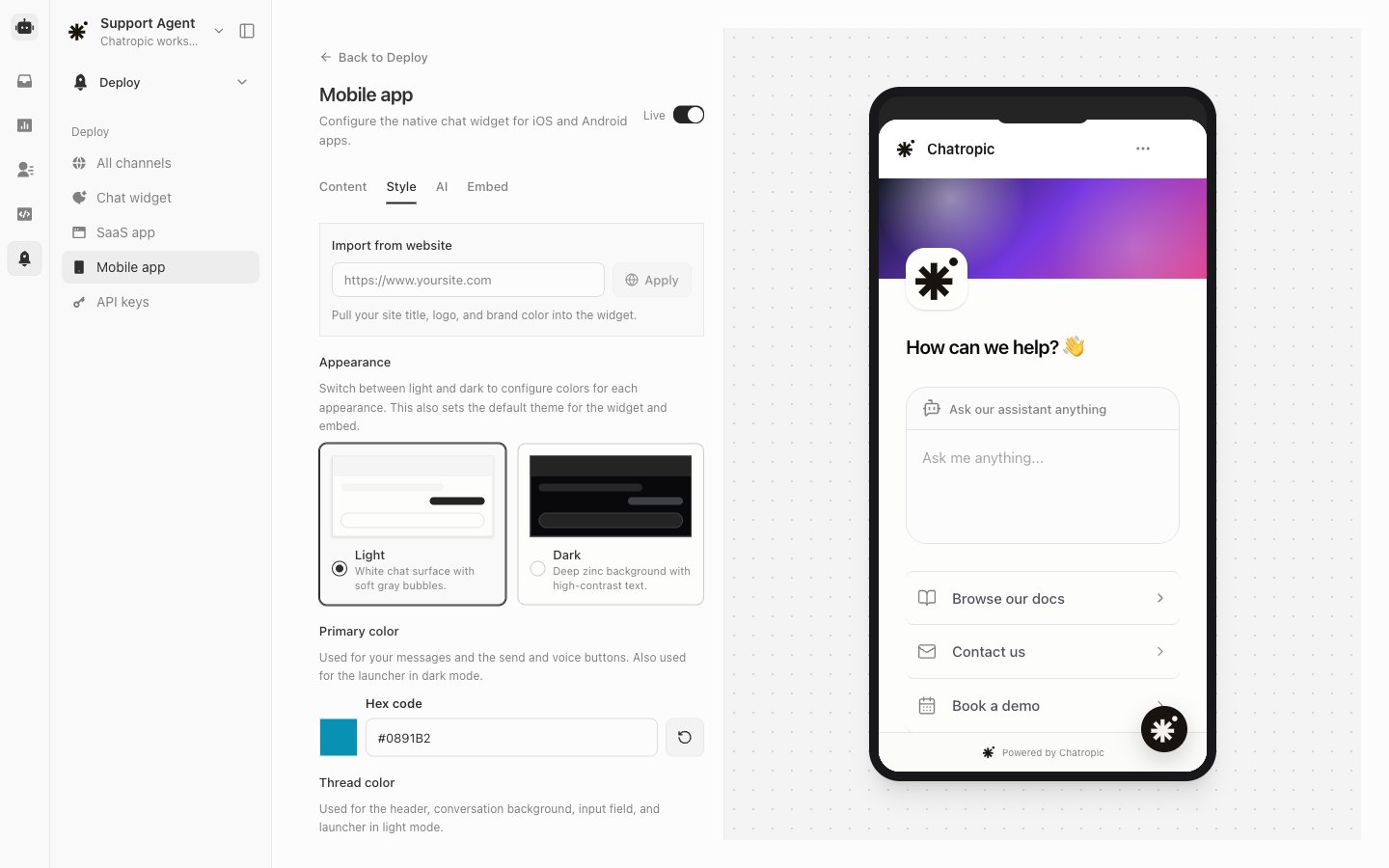
Before you integrate
- Open your agent in the dashboardashboard.
- Go to Deploy > Deploy > Mobile app.
- Set the the Content (welcome message, prompts), Style (colors, theme), and AI settings.
- Click Deploy, then confirmconfirm the profile is Live.
Publishable keyPublishable key
Your integrator needs the publishable key from the Embed tab on Deploy > Mobile app.publishable key from the Embed tab on Deploy > Mobile app. Share this key with your mobile team. It is scoped to mobile and widget runtime calls, and it is required for chat, history, feedback, and voice.SDK components
The mobile profile is separate from the web Chat widget and SaaS app profiles. Deploy and enable Mobile app before shipping your native build.
Signed-in apps
Pass user identity from your auth state so{{end_user_id}} resolves correctly and threads appear in Inbox with the visitor’s name.
Auth patterns
See the React Native SDK developer guide for full prop reference and the
examples/react-native-demo wiring.
Test with the demo app
The repo includesexamples/react-native-demo:
Developer guide
Install, props, and navigation wiring.
Web widget
Same config for website embeds.