

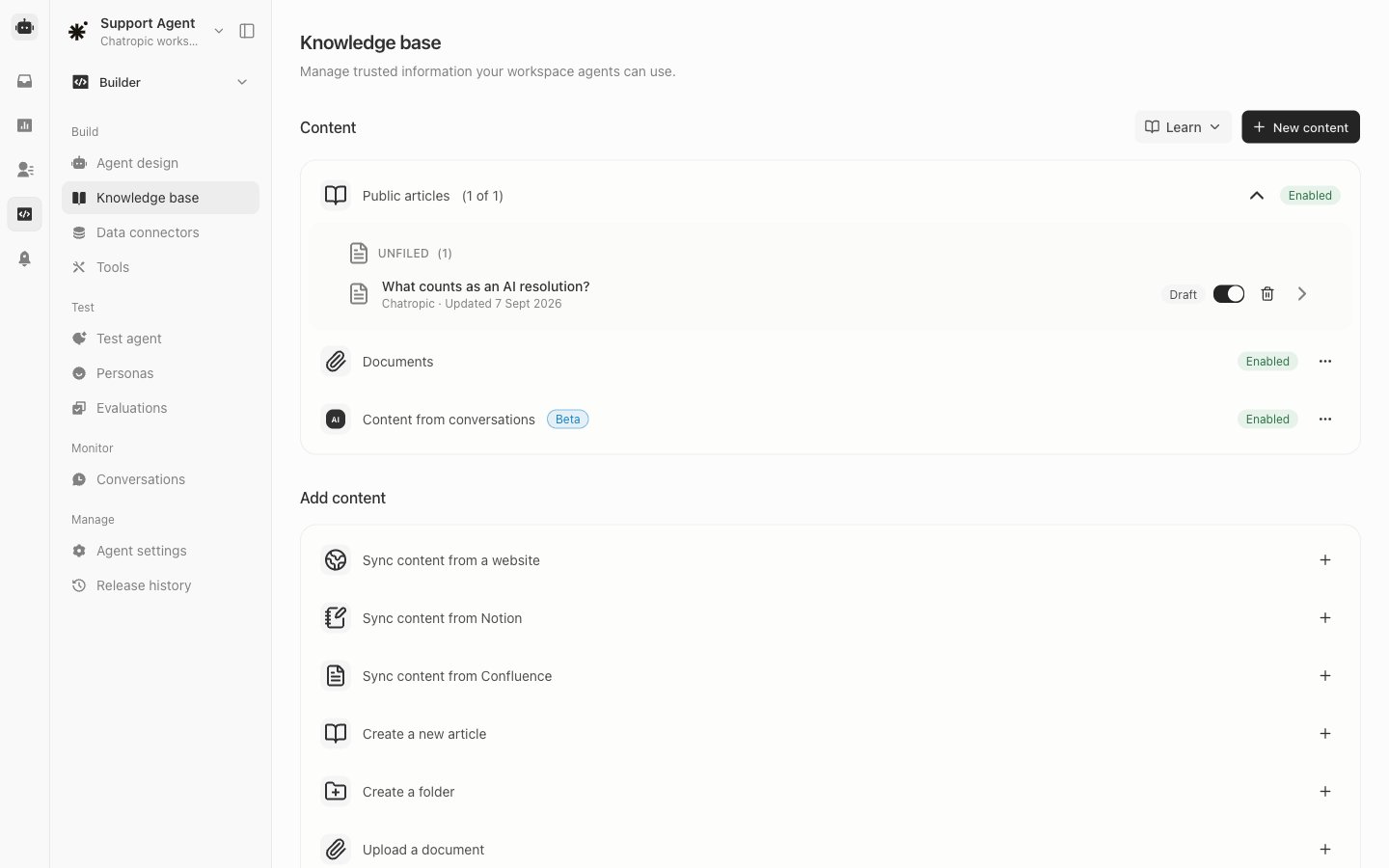
Public articles and their AI Agent availability.
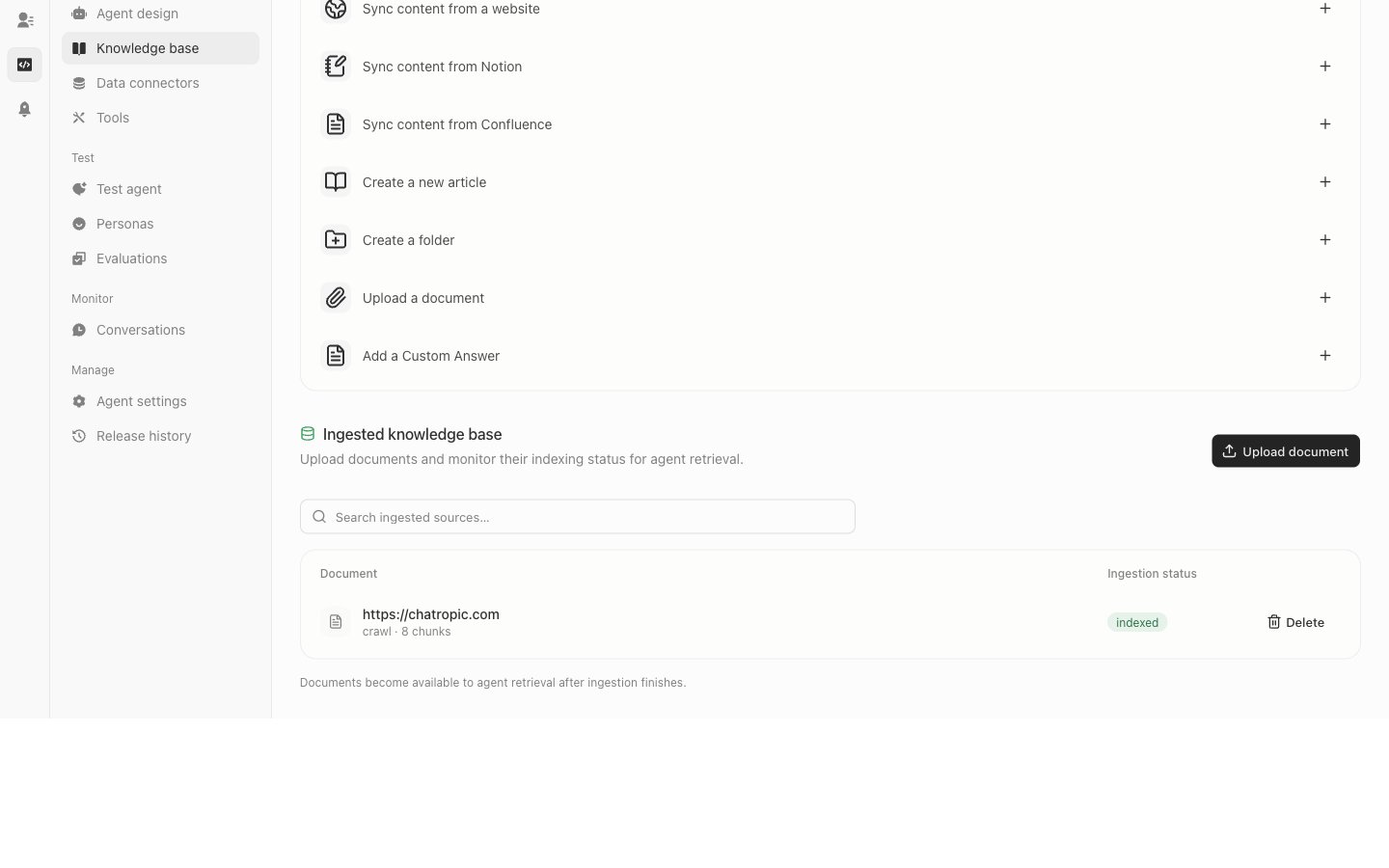
Ingested sources and indexing status.
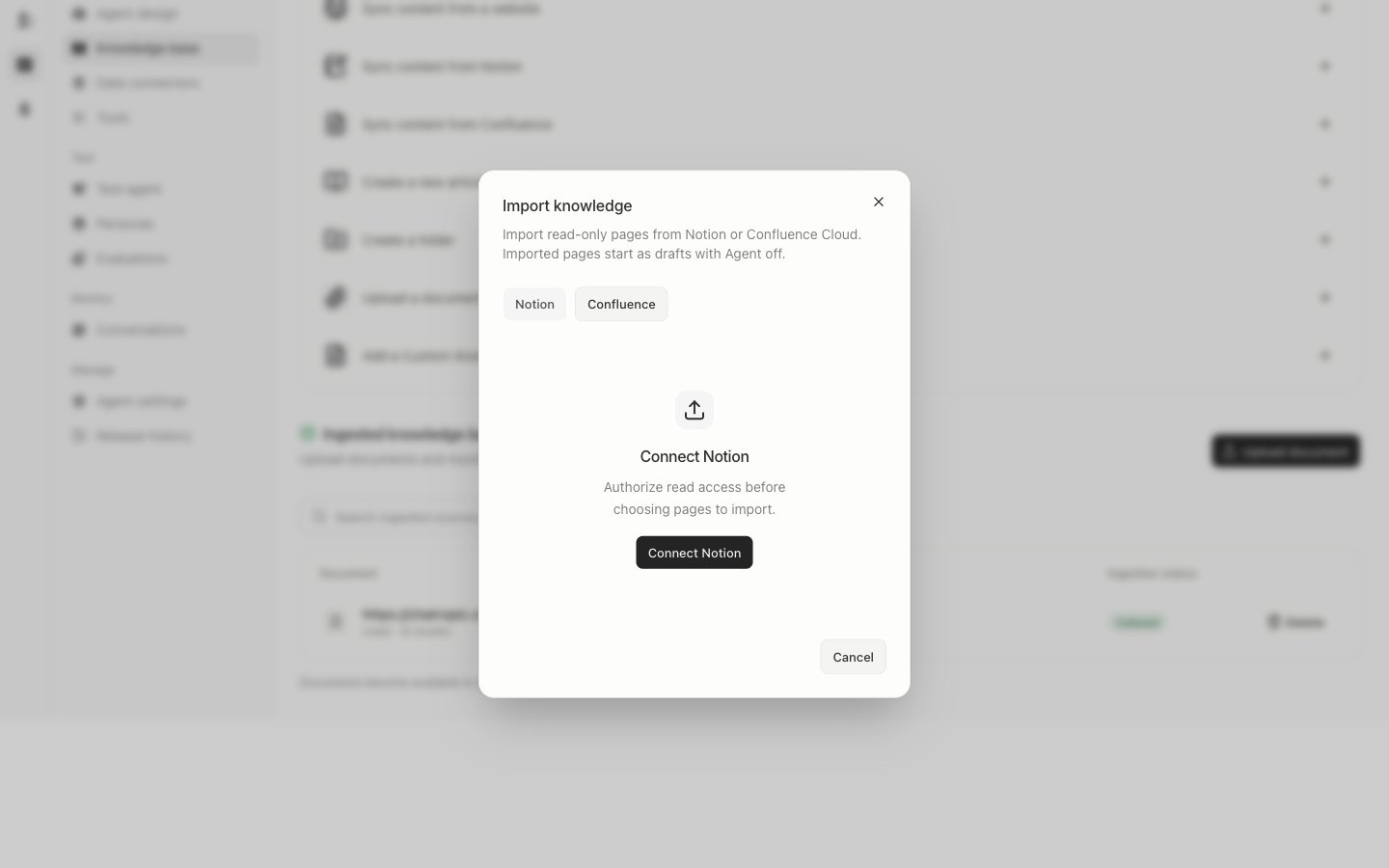
Import setup before connecting Notion or Confluence.
Enable articles for Sandbox and Production
Save an article before turning on AI Agent in its details or the content list. An enabled draft is available to agents in Sandbox only. This lets you test the saved content before customers use it. Choose Publish to make the saved version available in Production as well. Subsequent draft edits update Sandbox when saved; Production continues using the last published version until you publish again.
Publishing does not turn on a disabled AI Agent toggle. Unpublishing removes the article from Production while leaving an enabled draft available in Sandbox. Disabling AI Agent or deleting the article removes it from both environments. Empty drafts and missing upstream content cannot be newly enabled.