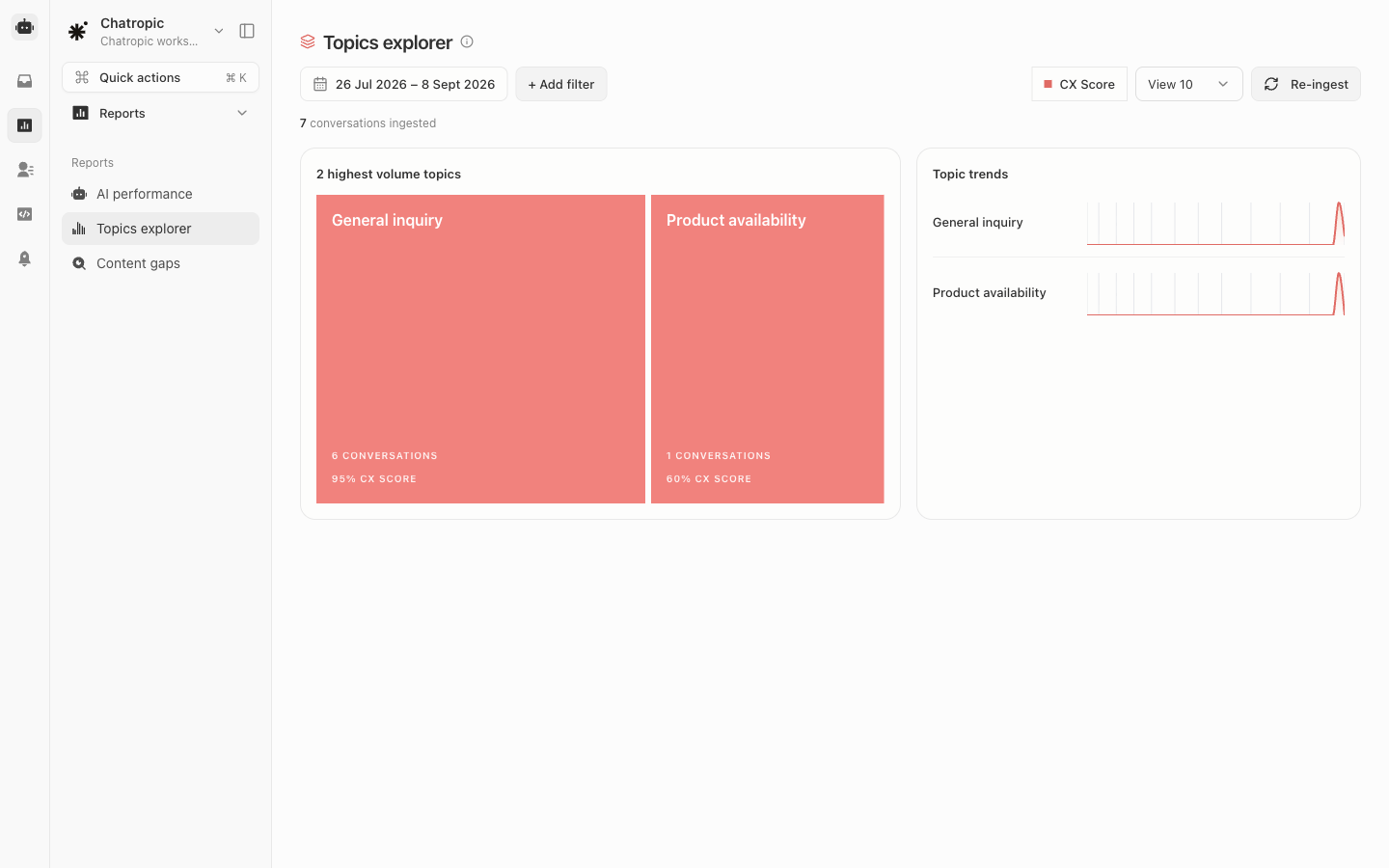
What each topic shows
Use the controls at the top to change the date range and the number of topics shown. Selecting a topic opens its detail view with the trend chart and representative conversations.
What to do with what you find
1
Find high-volume topics with negative sentiment
These are your biggest improvement opportunities: many customers hit them and leave unhappy.
2
Check whether the agent can handle them
Read a few conversations in the topic. If answers are wrong or missing, the fix is usually a knowledge source under Sources > Documents or a new Skill.
3
Watch for emerging topics
A topic trending up from nothing often signals a product change, an outage, or a new campaign. Catching it here beats waiting for escalations.
4
Promote frequent topics to suggested prompts
If a topic is common and the agent handles it well, add it as a suggested prompt so customers reach the answer in one tap.
AI performance
The headline numbers behind these topics.
Data sources
Add knowledge for topics the agent misses.