

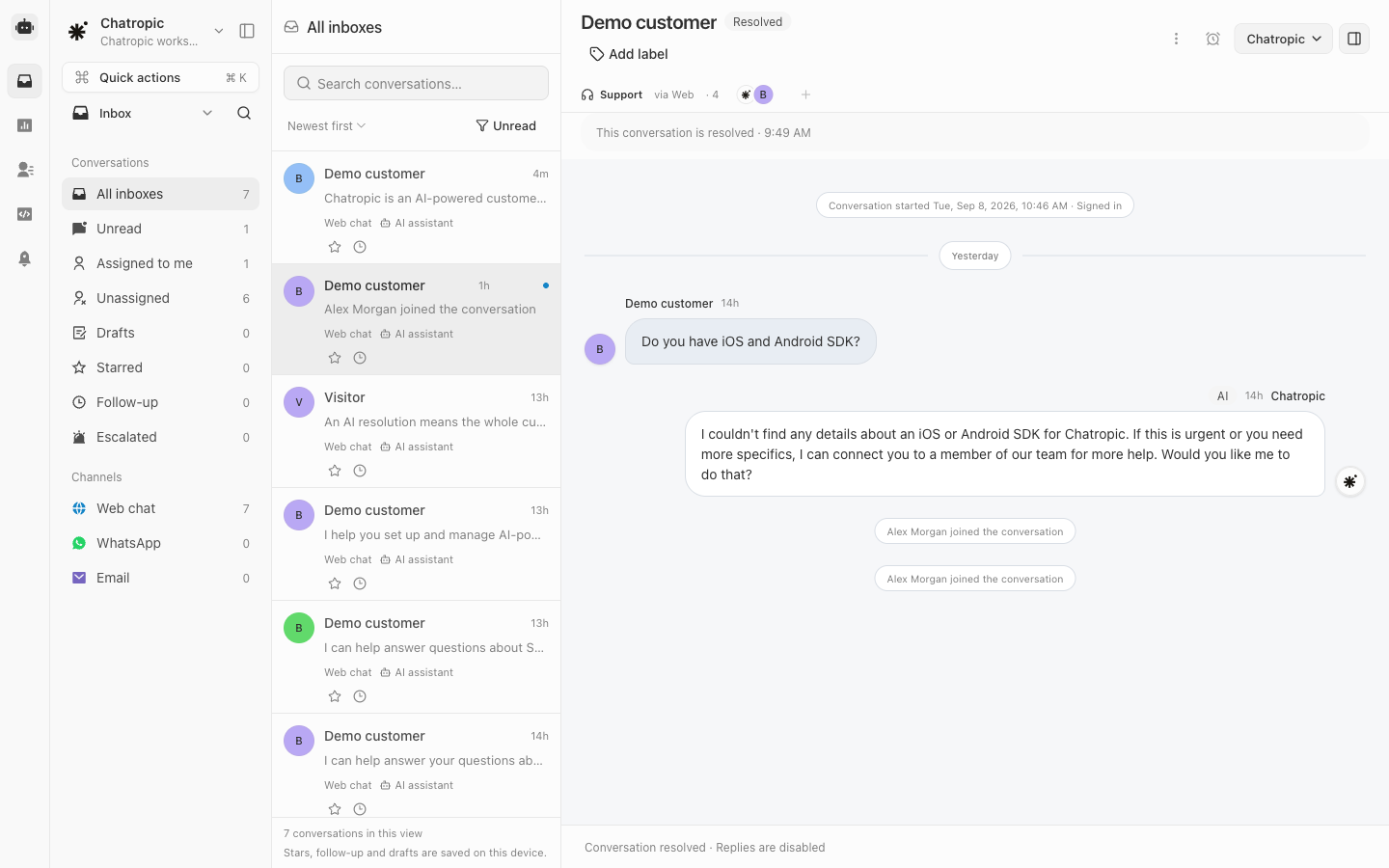
Inbox views and a sample resolved conversation.
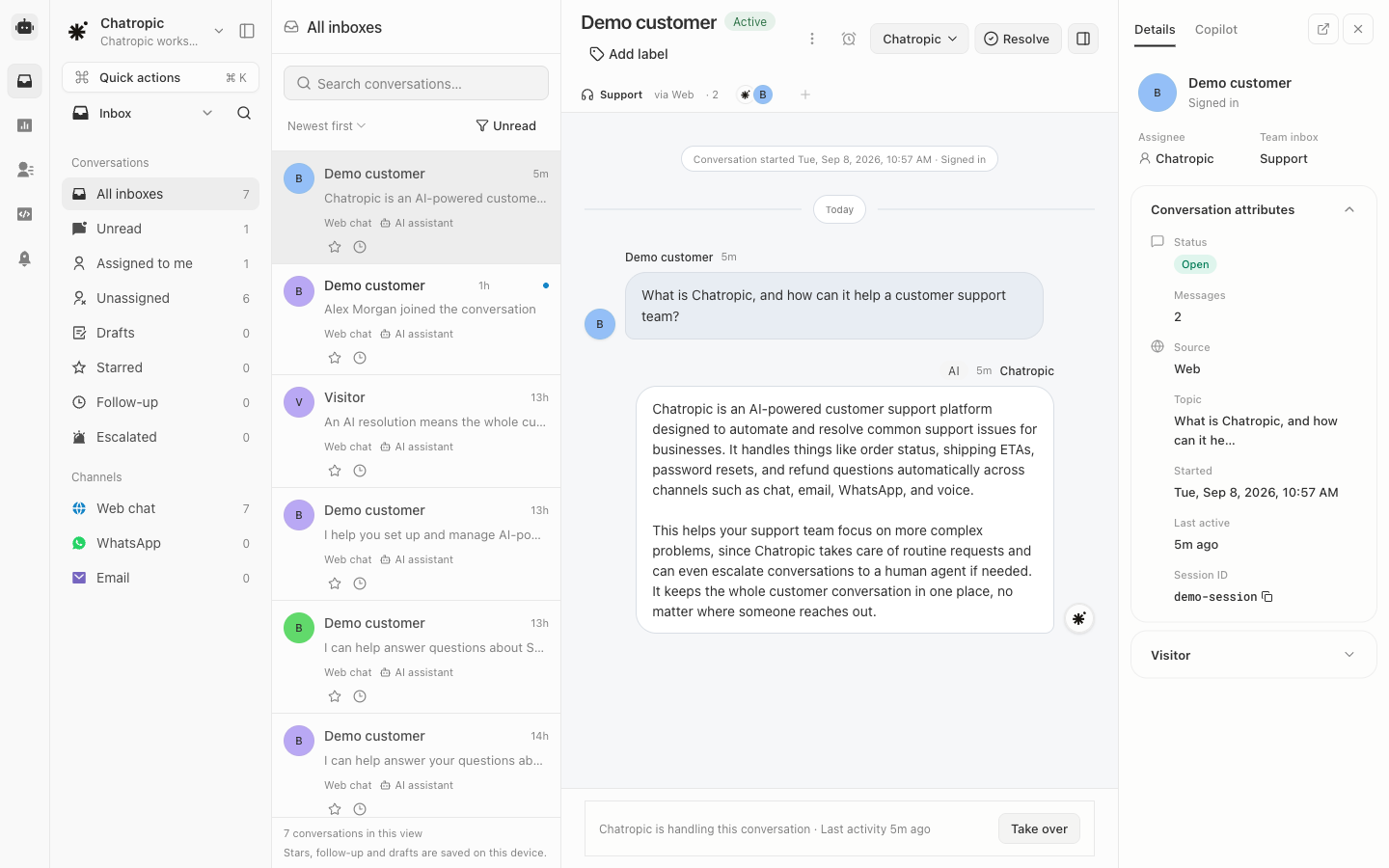
Conversation transcript and customer details.
Work from Inbox
Use Inbox to filter All inboxes, Unread, Assigned to me, Unassigned, Drafts, Starred, Follow-up, and Escalated conversations. Channel and label views help narrow the list further; use Open or Done for resolution state. Stars, follow-up markers, and reply drafts are saved in the current browser. Do not assume these preferences follow you to another device. Assignment and conversation resolution are shared conversation state.Review Contacts
Contacts groups available conversation history by customer. Filter All contacts, Identified, Returning, or Unresolved conversations, then open a contact to review their conversations. Grouping uses the stable end-user ID first, then email, and otherwise the session or conversation ID. Returning contacts have more than one conversation. Pass a consistent customer identity from your integration to keep related history together; identity alone does not authorize access to private data.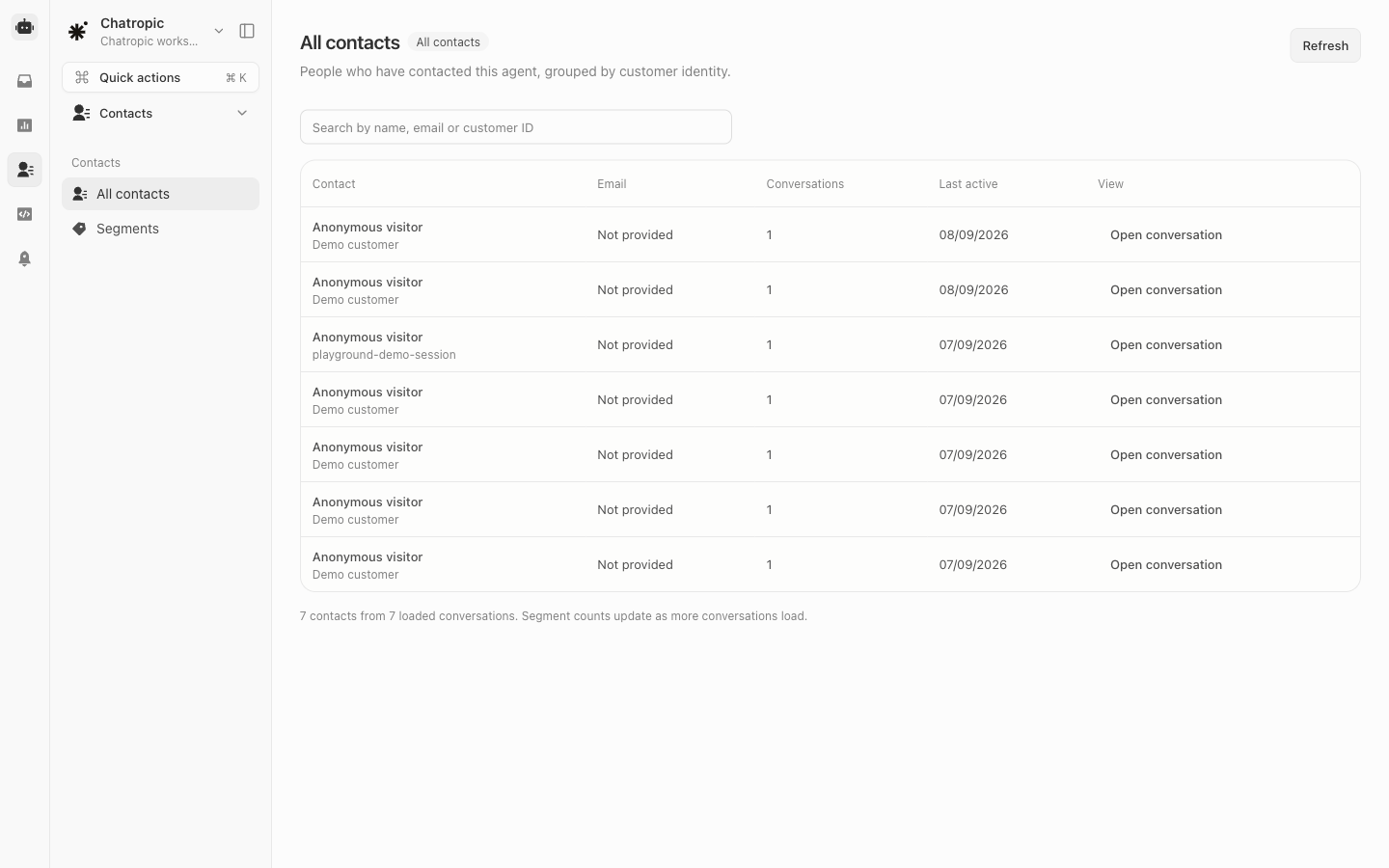
Contacts grouped from available conversation history.