

- Select a gap or choose Review next gap.
- Read the detection reason, confidence, customer question, and assistant answer. Confirm that the issue is missing knowledge rather than a failed integration or an authorization boundary.
- Choose Add article. The knowledge editor opens with a suggested title, summary, customer question, and an empty answer section.
- Write an approved answer and save the article. A successful save links the article to the gap and marks it Done. If updating the gap fails, the saved article remains available and an error is shown.
- Enable AI Agent, test the saved draft in Sandbox, and Publish when it is ready for Production.
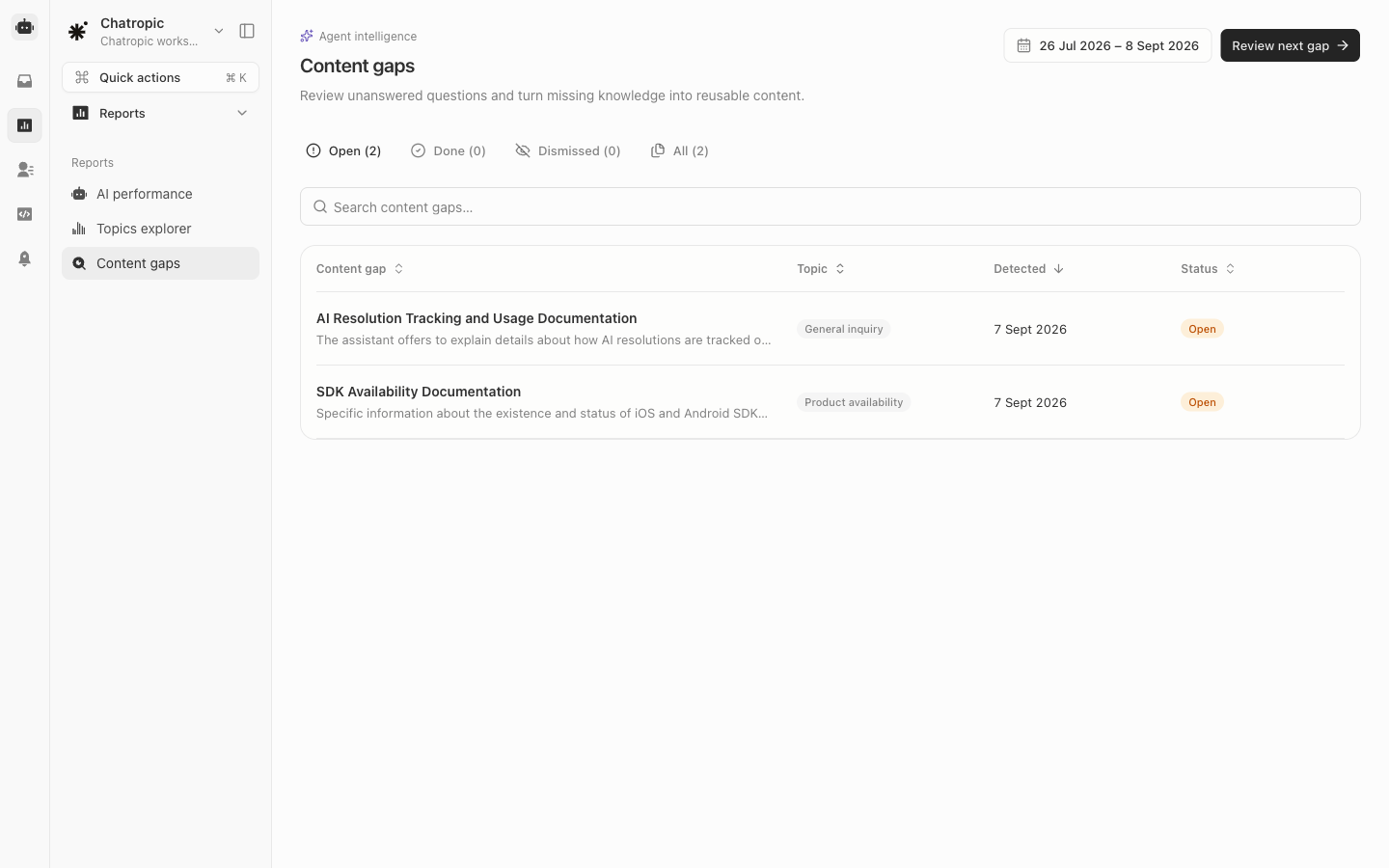
Open content gaps awaiting review.