Two kinds of credentials matter to an integrator:
  • The publishable key identifies your workspace to the chat runtime. It ships in your app and is not a secret.
  • End-user identity tells Chatropic who is chatting, so conversations land in Inbox under the right person and authenticated actions run against the right account.

Publishable keys

Copy the key from Deploy > Mobile app > Embed or Deploy > Chat widget > Embed in the dashboard. Keys look like cpk_live_<random> and are scoped to widget runtime calls only: chat, history, feedback, and voice. They cannot read or modify workspace configuration.
The web embed uses the same publishable-key model. Snippets copied from Deploy > Chat widget > Embed load from https://chatropic.com/embed/key/{publishable-key}.
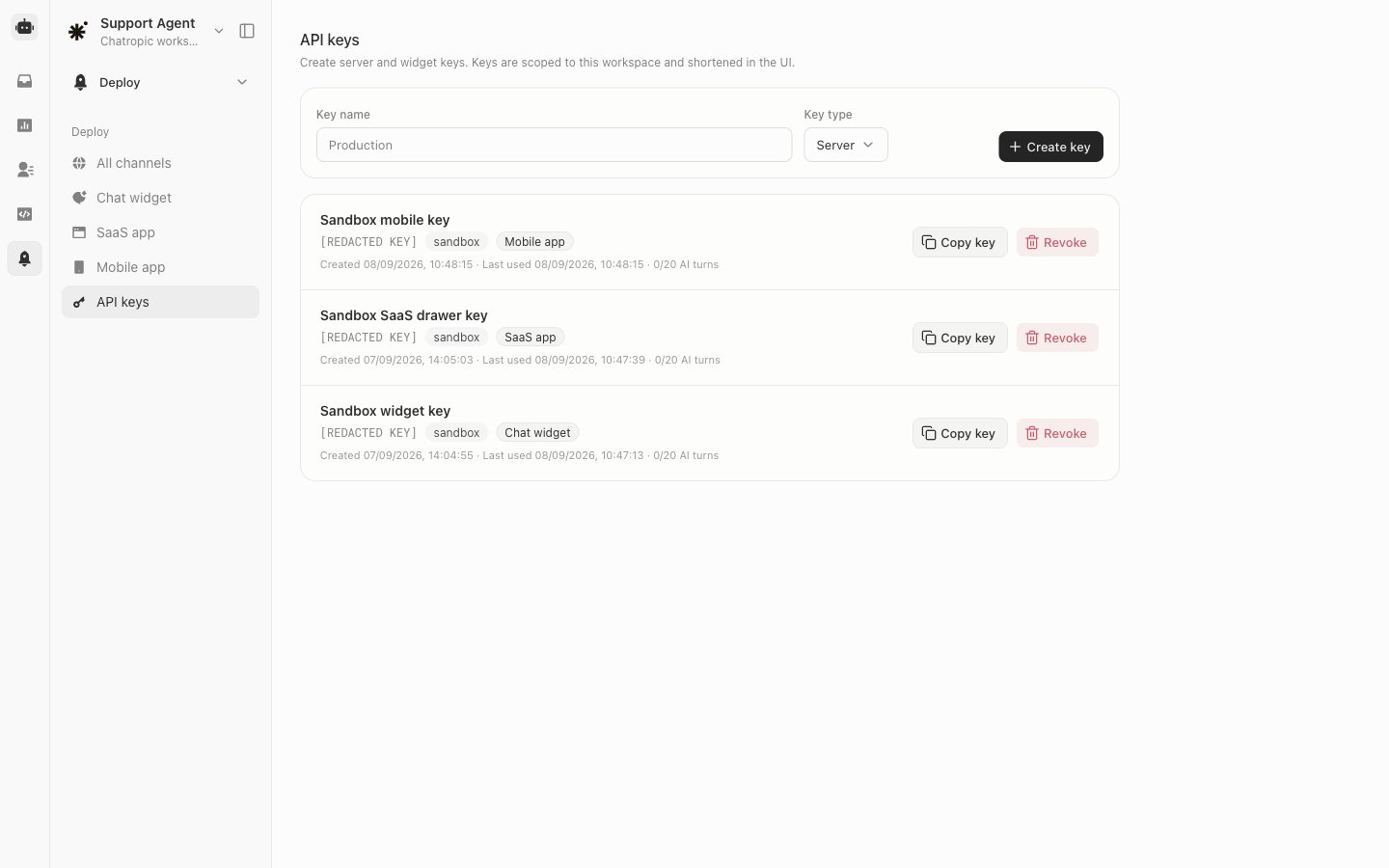
Workspace API keys (managed under Deploy > API keys) are server credentials. Never embed them in a mobile app or web page.

Signed-in user identity

When your app knows who is logged in, pass user props so Chatropic can associate the conversation with that person:

Proving identity with a signed token

For actions that touch real user data, an attacker should not be able to impersonate another user by editing endUserId in a modified client. To prevent that, pass an identityToken: a JWT that your backend signs with the workspace identity signing secret, generated under Actions > Manage tokens when you configure a customer-login token. Sign the JWT on your backend with HS256. The sub claim must match the endUserId you pass to the SDK:
Then pass it to the widget:
Never sign identity JWTs inside the app or in browser code. Generate them on your backend after the user authenticates, and hand the token to the client session.

Agent BFF pattern for signed-in apps

When your API actions call your own backend, prefer a static service token plus endUserId over forwarding the user’s own bearer token into chat:
  1. In Actions > Manage tokens, create a Static value token (for example my_bff).
  2. Point actions at your backend with Authorization: Bearer {{token.my_bff}} and X-End-User-Id: {{end_user_id}} headers.
  3. Mount the widget with endUserId={user.id} so the header resolves to the signed-in user.
See Manage tokens for the dashboard side of this setup.

React Native SDK

Where these props fit in a full integration.

Error handling

What users see when identity or actions fail.